
Home » uncategorized » Introduction to the iAPP Business Intelligence Dashboard

iAPP

Home » uncategorized » Introduction to the iAPP Business Intelligence Dashboard

In this tutorial, we will learn how to read analytical reports of public requests.

Next, we will go through the video tutorial:

  1. If you work in a municipality, in the response unit or data analysis department, this video is for you for the following reasons:
  2. Discover citizen patterns and priorities.
  3. Make more accurate managerial decisions.

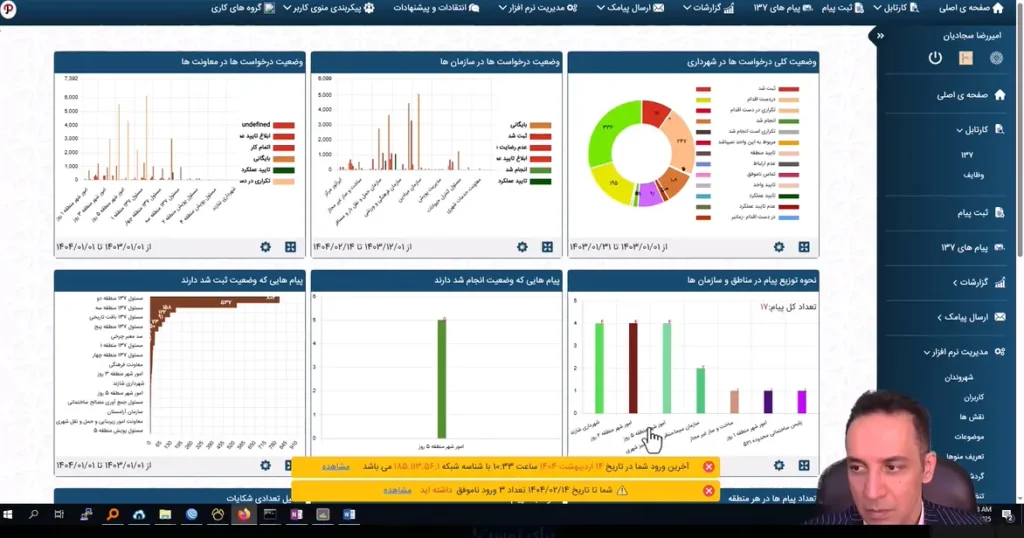
On the main page, we can view the status of requests as well as the status of messages in iAPP.

From the top menu, we select Reports and go to the iAPP Performance Analysis section.

This page opens and shows which categories most requests belong to and the status of each request. By selecting any request, we can view its region and workflow.