


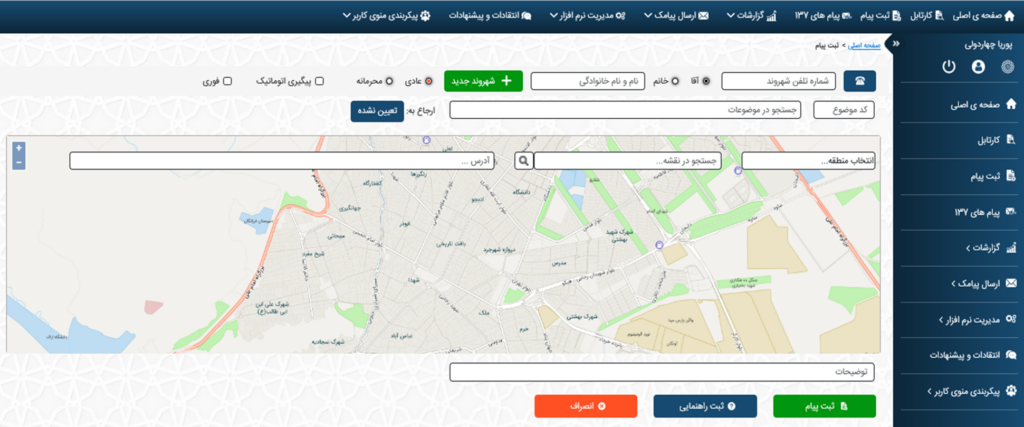

To register a message in iAPP, click on Register Message to display the following page.
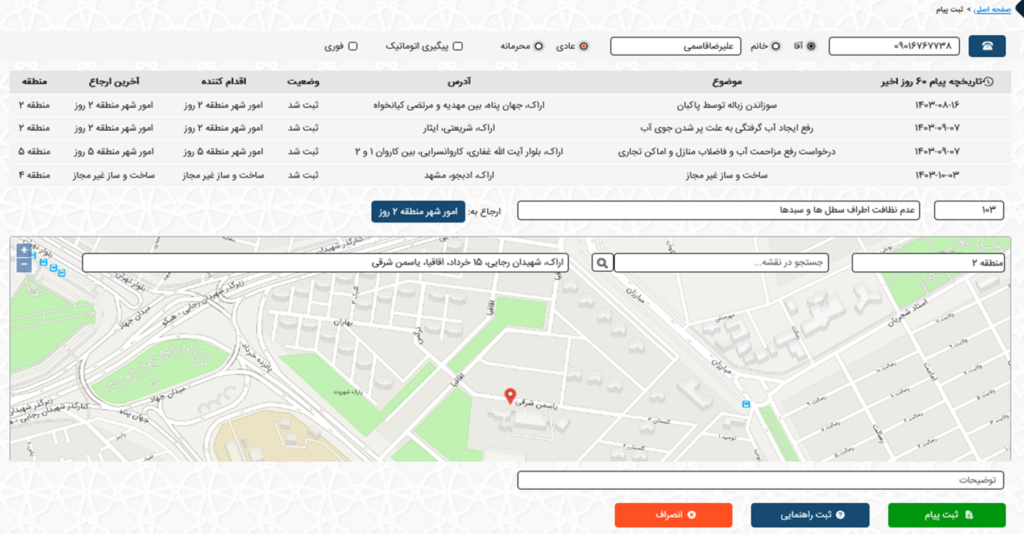
On this page, you need to fill in the fields related to the citizen’s information (phone number, gender, first and last name), indicate whether the request is confidential or urgent, select the request subject, and enter the address. Then, click the Register Message button.
If the citizen has previously registered a request in the system, their information and request history will be displayed.
The registered request is automatically referred to the relevant department based on the subject and address.